What is Dart? Dart is an open-source, general-purpose programming language developed by Google. It supports application development for both client and server-side, Its use for developing Android and iOS apps, IoT (Internet of Things), and web applications using the Flutter Framework. In this tutorial we will Create a basic First Project in Dart Programming.
Dart is a dynamic, object-oriented language with closure and lexical scope. It shares similarities with Java, C, and JavaScript in terms of syntax, making it accessible for developers familiar with these languages.
See also Data Types in Dart Programming
Data Types
Dart supports the following built-in data types :
- Numbers
- Strings
- Booleans
- Lists
- Maps
- Sets
- Runes
- Null
Built-In Types
In Dart language, there is the type of values that can be represented and manipulated. The data type classification is as given below:
| Data Type | Keyword | Description |
|---|---|---|
| Numbers | int, double, num | It represents numeric values |
| Strings | String | It represents a sequence of characters |
| Booleans | bool | It represents Boolean values true and false |
| Lists | List | It is an ordered group of items |
| Maps | Map | It represents a set of values as key-value pairs |
| Sets | Set | It is an unordered list of unique values of same types |
| Runes | runes | It represents Unicode values of String |
| Null | null | It represents null value |
Dart Mac Installation
- Install Homebrew From here.
- Type
brew tap dart-lang/dartin the terminal. - Type
brew install dartin the terminal. - Type dart –version
Create First Project :
- dart create -t console my_app
- cd my_app
- dart run
Above command will run your Dart application :
- Edit Application: Now you can start editing your Dart application. The main entry point for your application is the bin/my_app.dart file. You can add your Dart code here or to lib/my_app.dart, which bin/my_app.dart.
/* bin/my_app.dart */
import 'package:my_app/my_app.dart' as my_app;
void main(List<String> arguments) {
  print('Hello world: ${my_app.calculate()}!');
}
/* lib/my_app.dart */
int calculate() {
return 6 * 7;
}- Add dependencies: If your project requires more Dart packages, you can add them to pubspec.yaml. in the dependencies section. After adding the dependencies, run dart pub get to download them.
Remember that Dart also supports building web applications, server applications, and more. You can explore different templates and options with the arrow command, depending on the needs of your project.
Basic Dart Program
void main() {
   print("Hello World!");
}
Create a Simple Calculator
- Edit file lib/my_app.dart and add some function of calculator
/* my_app.dart. */
/* lib/my_app.dart */

int Add(int a, int b) {
  return a + b;
}
int Subtract(int a, int b) {
  return a - b;
}
int Multiply(int a, int b) {
  return a * b;
}
double Divide(int a, int b) {
  return a / b;
}
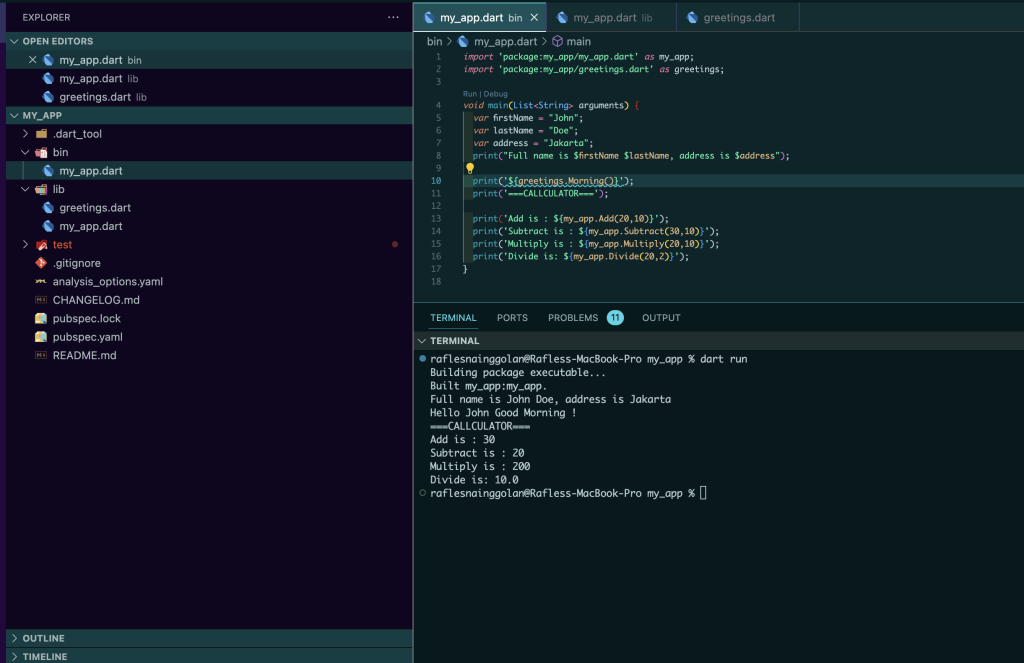
2. Call function in bin/my_app.dart
import 'package:my_app/my_app.dart' as my_app;

void main(List<String> arg  uments) {
  var firstName = "John";
  var lastName = "Doe";
  print("Full name is $firstName $lastName");

  print('===CALLCULATOR===');

  print('Add is : ${my_app.Add(20,10)}');
  print('Subtract is : ${my_app.Subtract(30,10)}');
  print('Multiply is : ${my_app.Multiply(20,10)}');
  print('Divide is: ${my_app.Divide(20,2)}');
}
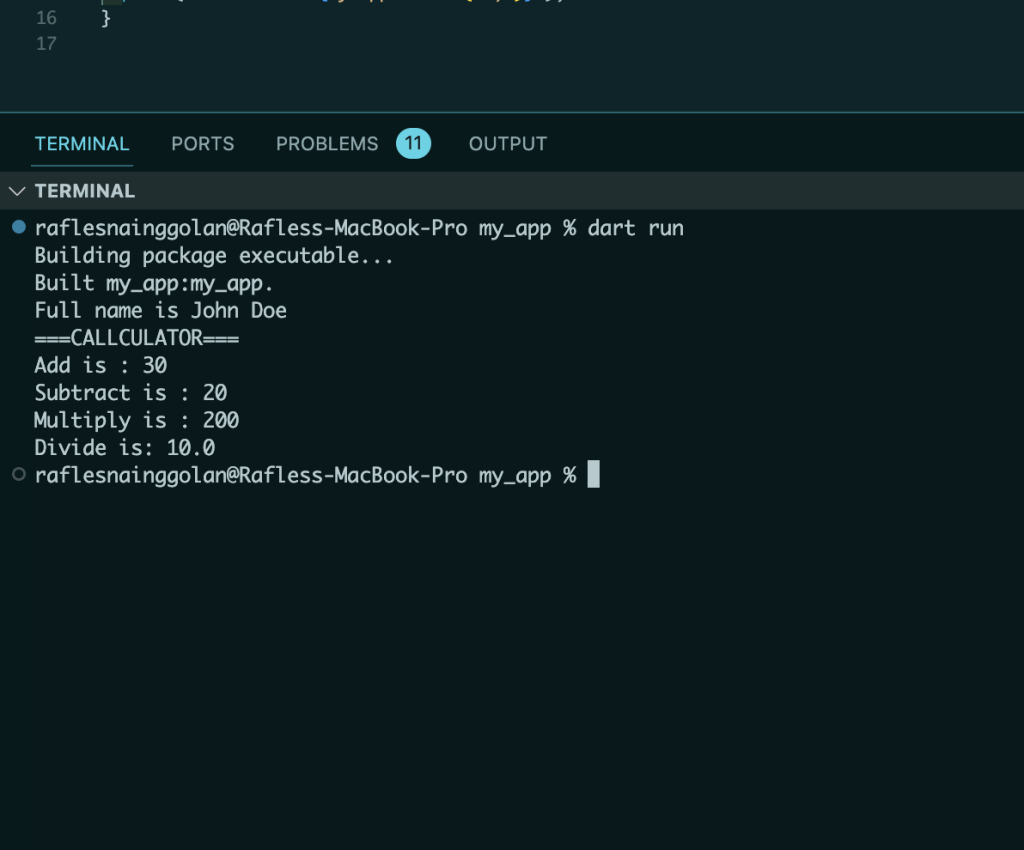
3. Run project and now you can see the result like below
The structure would like this: