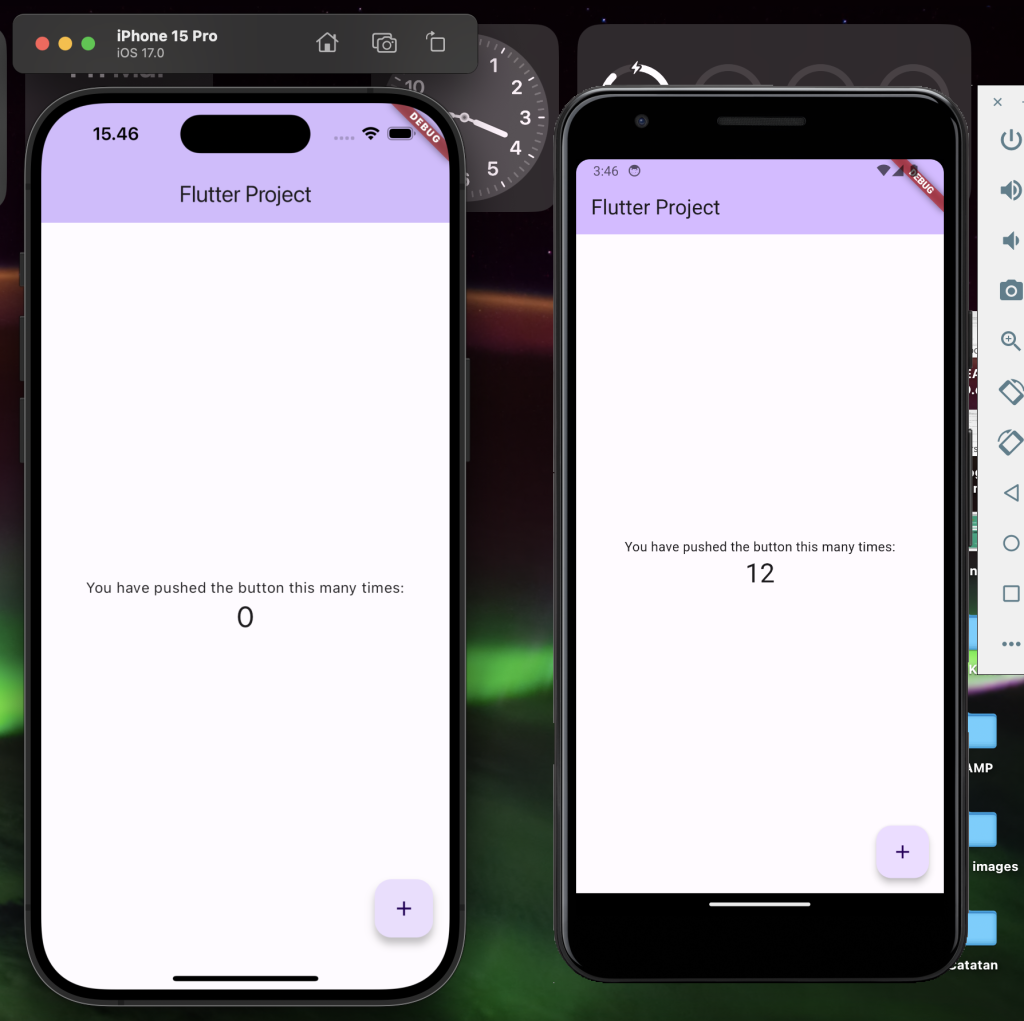
Before you start Create a new Flutter project, make sure to start learn dart programing. To install and configure Flutter on macOS, follow these steps by steps:
1. Verify System Requirements :
Make sure your macOS meets the hardware and software requirements to install and run Flutter.
2. Download and Install Flutter SDK :
- Download the Flutter SDK installation package from the SDK archive. Choose the version that suits your processor (Intel or Apple Silicon).
- Create a folder where you want to store the Flutter SDK, for example in directory ~/Flutter/
- Extract the zip file has downloaded to the directory you created for flutter sdk directory. For example, if you downloaded flutter_sdk_v1.0.0.zip, use the following command in Terminal:
unzip ~/Flutter/flutter_sdk_v1.0.0.zip -d ~/Flutter/Once done, the Flutter SDK should be in the ~/Flutter/flutter directory.
3. Add Flutter to PATH :
- Open the ~/.zshenv file in your text editor. If this file does not exist, create it.
nano ~/.zshenv- Add the path sdk following line to the end of the ~/.zshenv file:
export PATH=$HOME/Flutter/flutter/bin:$PATH - Save and close the file. To enable the changes, run command source ~/.zshenv in Terminal .
4. Android Development Configuration:
Make sure you have Android Studio installed and configured with the Android SDK. Configure the Android toolchain in Android Studio. Set your target Android device or Ios device in xcode.
5. Run Flutter Doctor
To verify the installation and configuration, run the flutter doctor command in Terminal.
This will check if all the components required for Flutter development are installed and configured correctly. Make sure all are passed checked like below
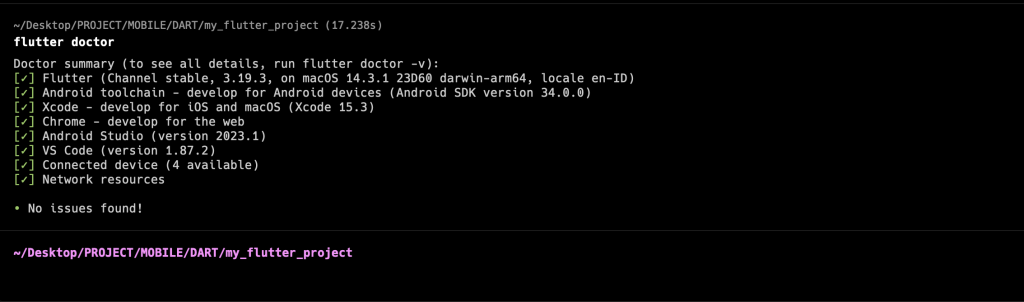
After following these steps, you should be ready to start developing Flutter apps for Android and Ios on macOS.
6. Create Flutter Project
Run this command
flutter create flutter_project
6. Start Coding in VsCode
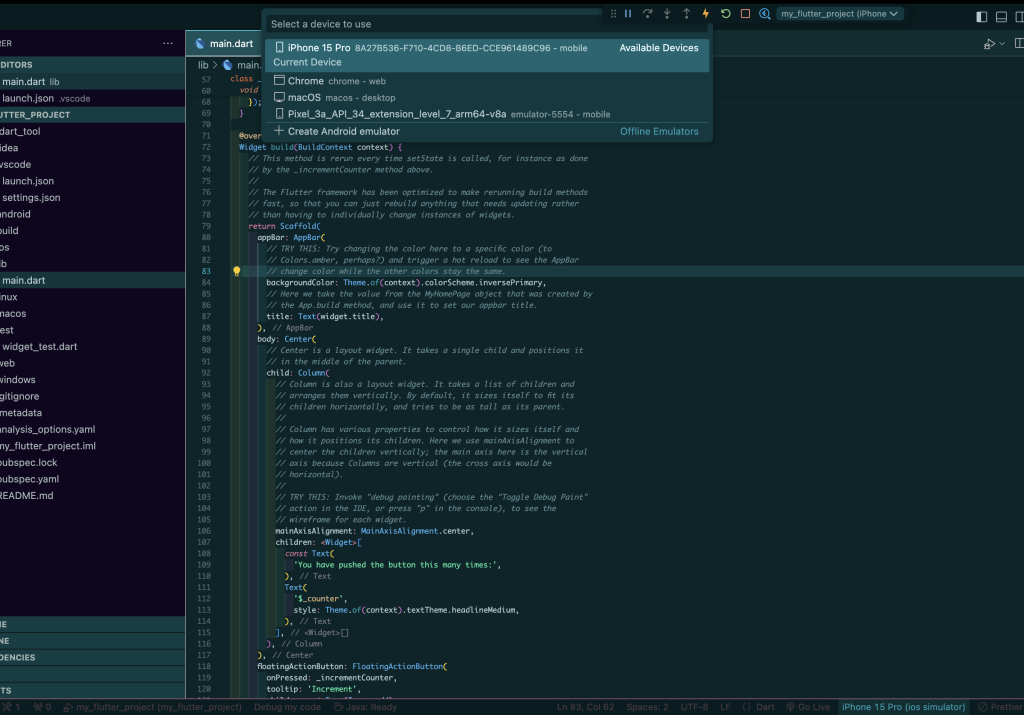
Open Project in Vscode. Our main file is located in lib/main.dart. We can edit file for changes
To run project click menu Run – Start Debugging and then select device to run project.
We can changes Device running simulator by changes the device menu in right corner bottom